Introduction › Getting started
Introduction
Content
Using content
Plugins
Operations
Recipes
Getting started
What you'll learn
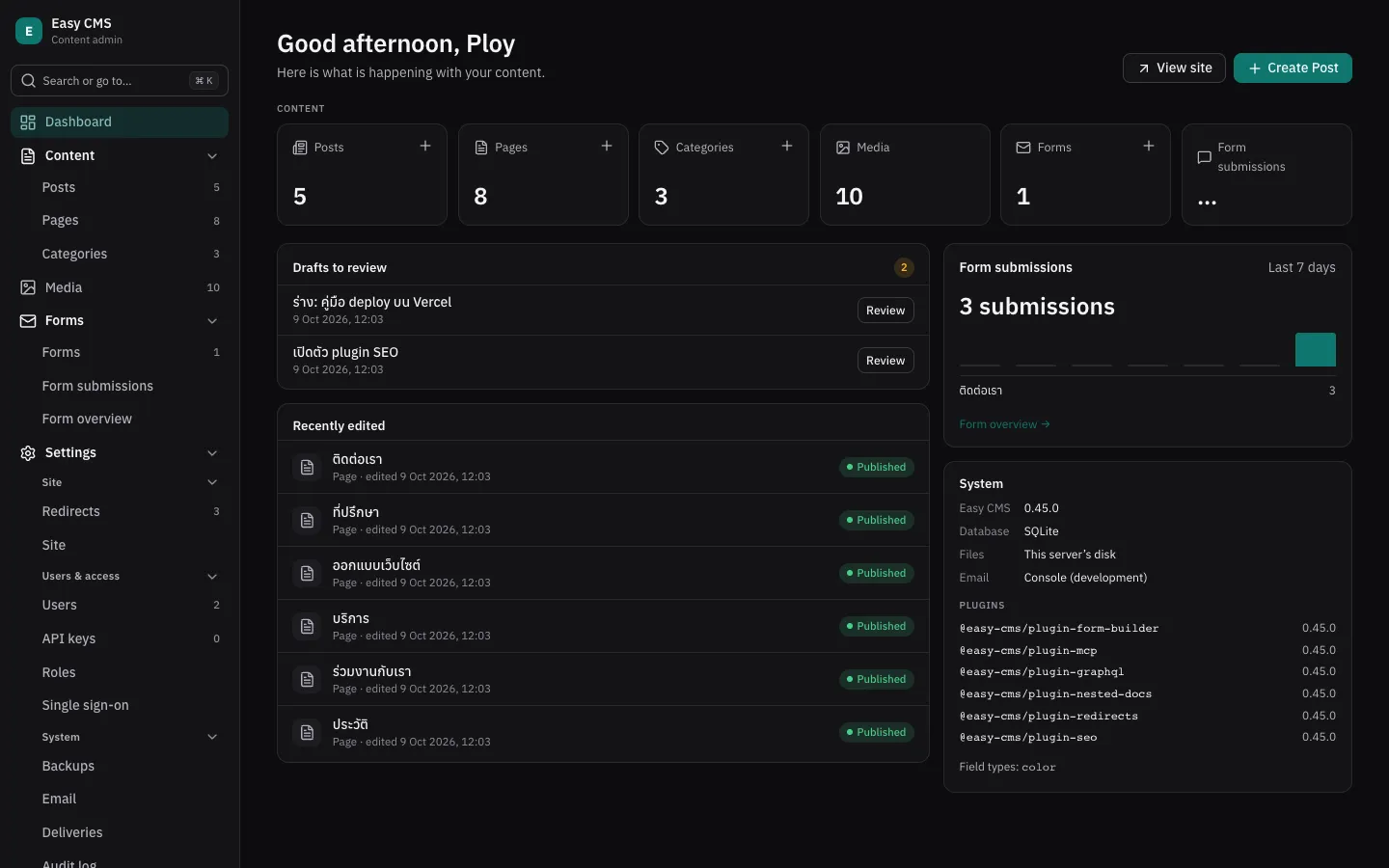
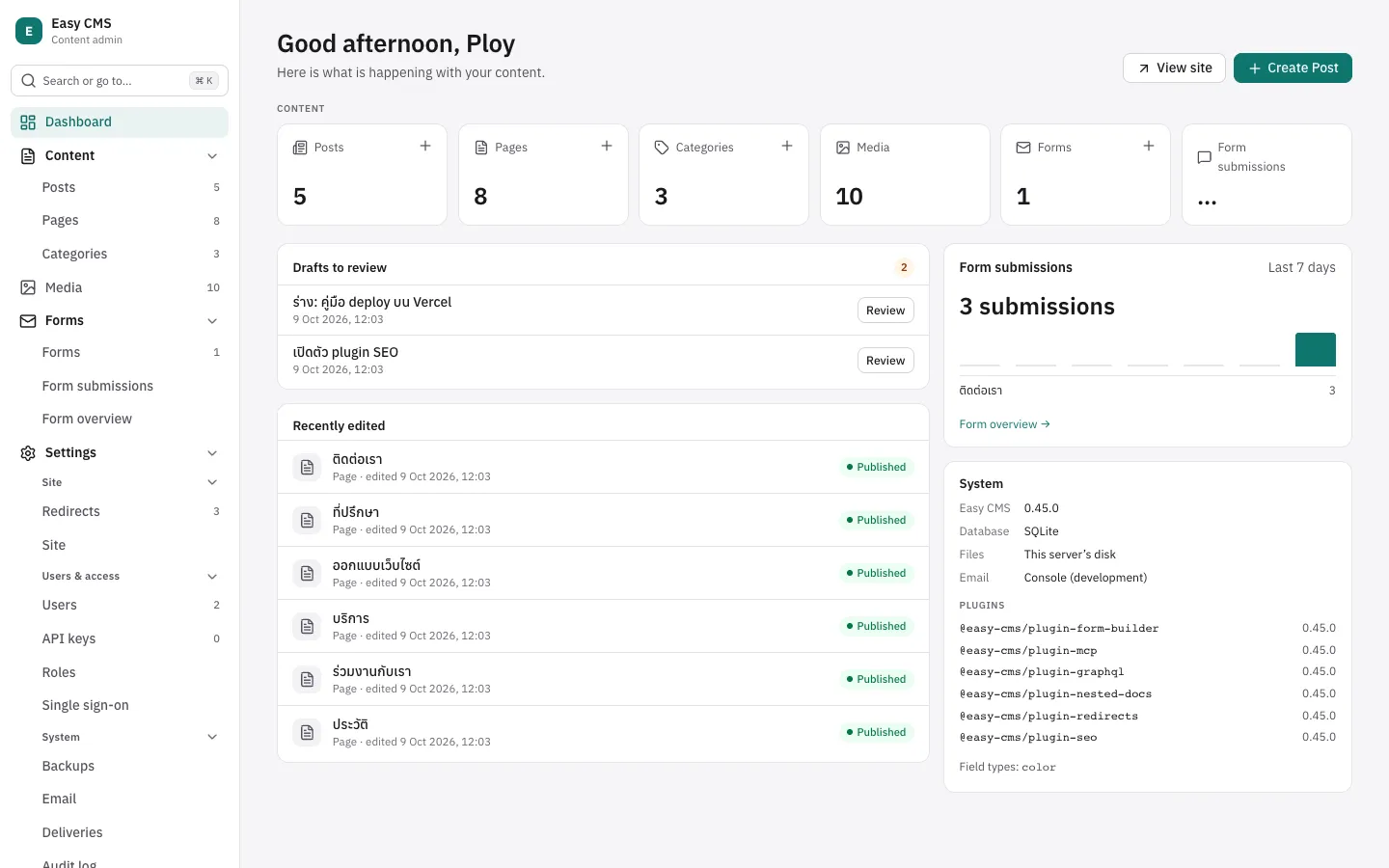
Add Easy CMS to a Nuxt or Next.js project (or run it on its own), create the first admin and read content in a page.
Before this page: What is Easy CMS?.
You need a Nuxt 4 or Next.js 15+ project and Node.js 22.12 or newer (22.19 or newer with Nuxt). Using another framework, or none? Run Easy CMS as a standalone server.
npm 9 can't create a Nuxt app
Check npm --version first: with npm 9, as Ubuntu 26.04's own nodejs package has (npm 9.2),
npm create nuxt stops with Cannot read properties of null (reading 'edgesOut'). Update npm
with sudo npm install -g npm, or install Node from
NodeSource or nvm,
then try again. Next.js apps and the standalone server install fine with npm 9.
No project yet? Create one with npx create-next-app@latest my-app --yes or
npm create nuxt@latest my-app.
Add Easy CMS
In your project directory:
npx create-easy-cmspnpm create easy-cmsyarn create easy-cmsbun create easy-cmsIt detects Nuxt or Next.js, asks which database to use, installs the packages and:
- creates
easy-cms.config.tswith a samplepostscollection and asiteglobal - adds a random
EASY_CMS_SECRETto.env - ignores
cms.db,uploads/,backups/and.pglite/in.gitignore - Nuxt: adds
@easy-cms/nuxttomodules - Next.js: creates
app/api/cms/[[...path]]/route.tsandapp/admin/[[...path]]/route.tsand wrapsnext.config.tsinwithEasyCMS()
Options: --db sqlite|postgres, --pm npm|pnpm|yarn|bun, --yes (accept defaults), --skip-install. Running it again is safe. Commands on these pages have a tab for each package manager; the one you pick is kept.
Run it
npm run devpnpm devyarn devbun run devOpen http://localhost:3000/admin. With no users yet, the admin
asks you to create the first admin. You can also run npx easy-cms admin:create.
In development the database schema follows your config automatically. Edit
easy-cms.config.ts, save, and the admin shows the new fields.
Read content
export default defineEventHandler(async () => {
  const cms = await useEasyCMS()
  return cms.find('posts', { sort: '-createdAt', limit: 10 })
})import { connection } from 'next/server'
import { Suspense } from 'react'
import { getEasyCMS } from '@easy-cms/next'
import config from '@/easy-cms.config'
export default function Home() {
return (
<Suspense fallback={<p>Loading…</p>}>
<Posts />
</Suspense>
)
}
async function Posts() {
// Read on each request, so the page shows what was just published.
await connection()
const cms = await getEasyCMS(config)
const { docs } = await cms.find('posts', { sort: '-createdAt', limit: 10 })
return <ul>{docs.map((post) => <li key={post.id}>{post.title}</li>)}</ul>
}Nuxt: if server/ is a new folder, restart npm run dev so Nuxt picks it up.
Next.js: the page reads the CMS on each request: await connection() in a component inside
<Suspense>. This works whether or not cacheComponents is on in next.config.ts (new apps from
create-next-app have it on, and there export const dynamic is not allowed).
find returns only published documents by default, and post.title is typed as string
because the config says the field is required text.
Next steps
- Model your content: Configuration and Fields
- Decide who can do what: Access control
- Before your first deploy: Migrations & deployment